
How to Remove a Screen Time Limit for Apps on iPhone or iPad
- Open the “Settings” app on iPad

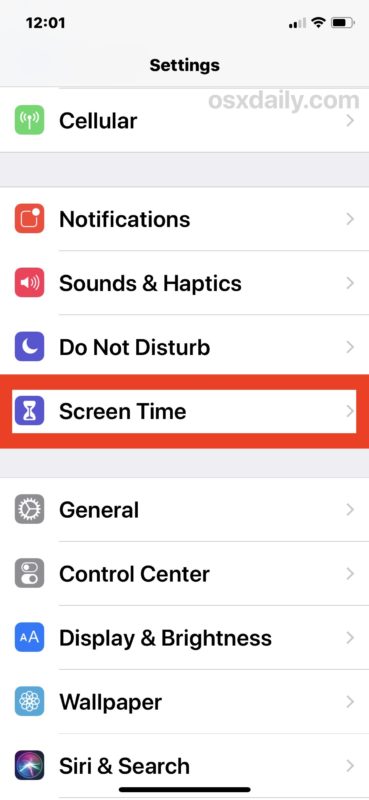
2. Go to “Screen Time” in settings *
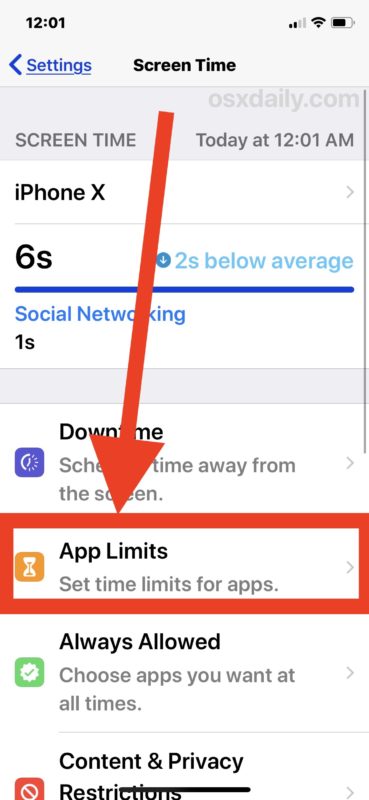
3. Choose the “App Limits” section of Screen Time
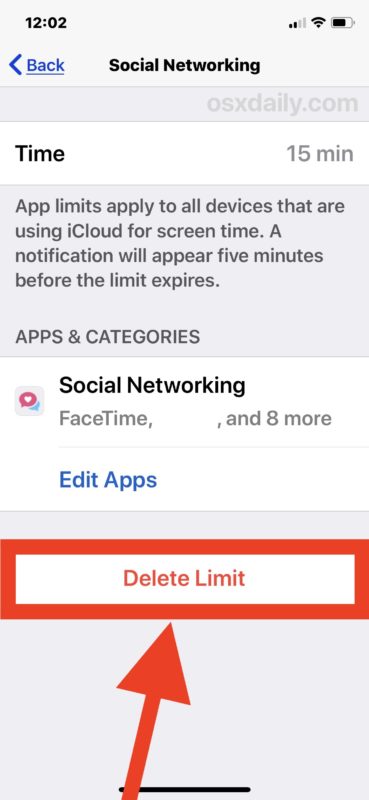
4. Tap on the app or category with a set limit that you want to remove and delete the limit for
5. Tap on “Delete Limit”
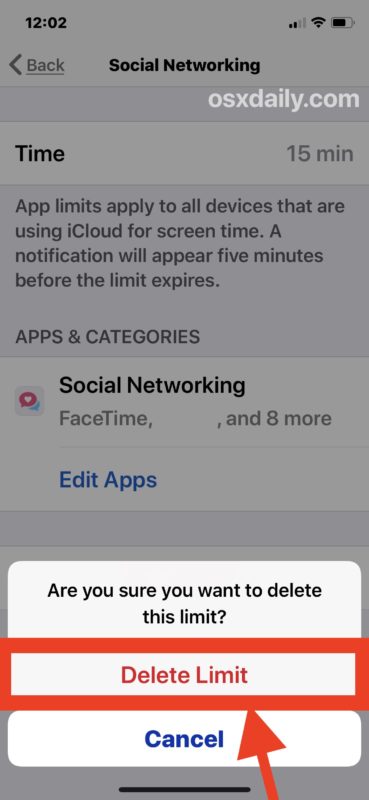
6. Confirm that you want to remove the time limit on the app/category by tapping again to “Delete Limit." If a passcode was used, please enter the passcode.
7. Repeat the steps to delete other Screen Time limits if desired, otherwise exit out of Settings
Comments
0 comments
Please sign in to leave a comment.